Getting Started With cURL
When we start learning programming, we mostly write code that runs on our own computer. But real-world applications don’t work alone — they talk to servers all the time. This is where cURL comes into the picture.
In this blog, I’ll explain cURL in very simple terms, just like I understood it as a student.
1. What is a Server and Why Do We Need to Talk to It
Before cURL, let’s quickly understand what a server is.
A server is basically a computer somewhere on the internet that:
stores data
runs applications
sends responses when someone asks for something
For example:
When you open google.com, your browser sends a request to Google’s server
The server replies with a webpage
So modern software is mostly about sending requests to servers and receiving responses.
2. What is cURL
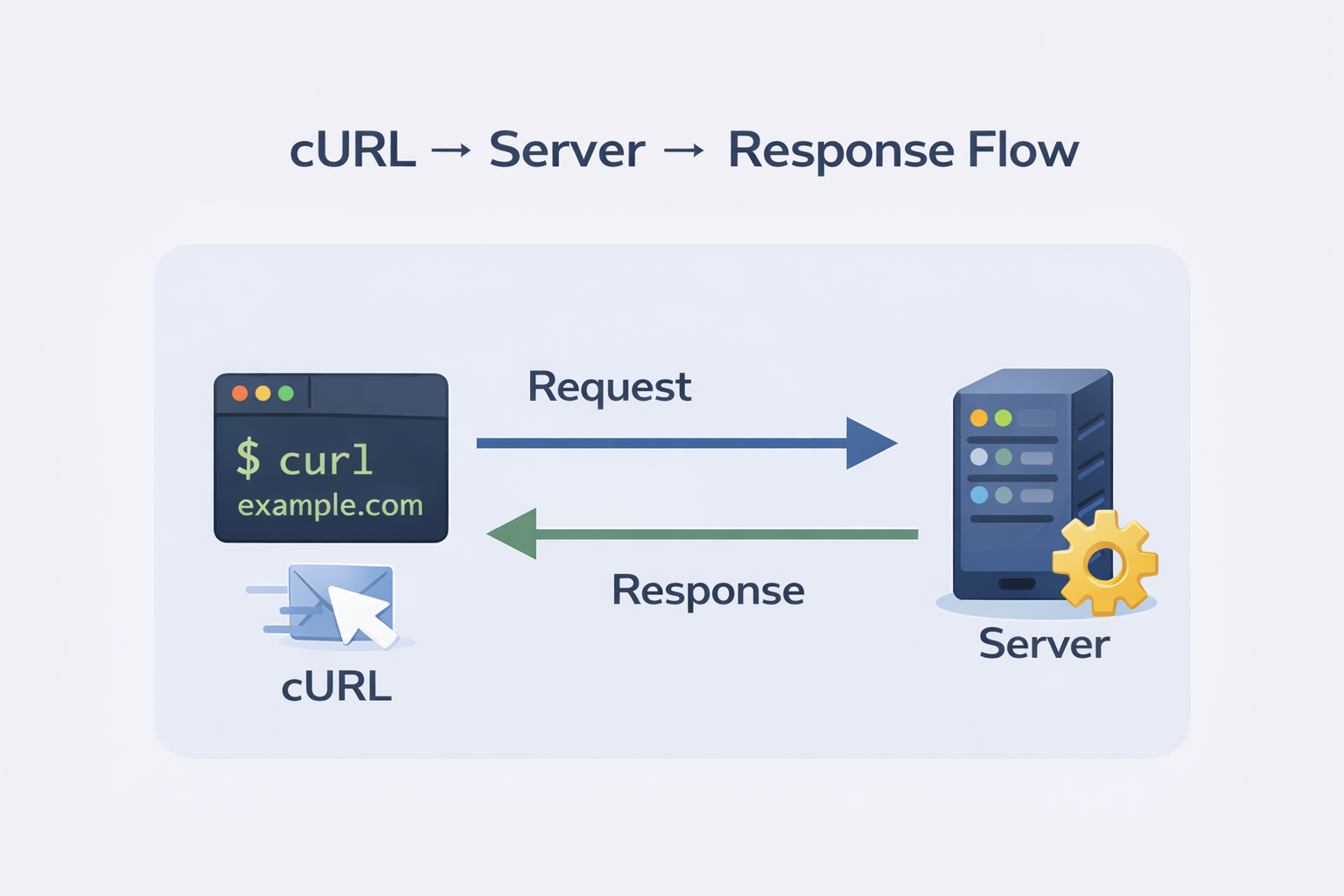
cURL is a tool that lets you send messages to a server from the terminal.
Think of it like this:
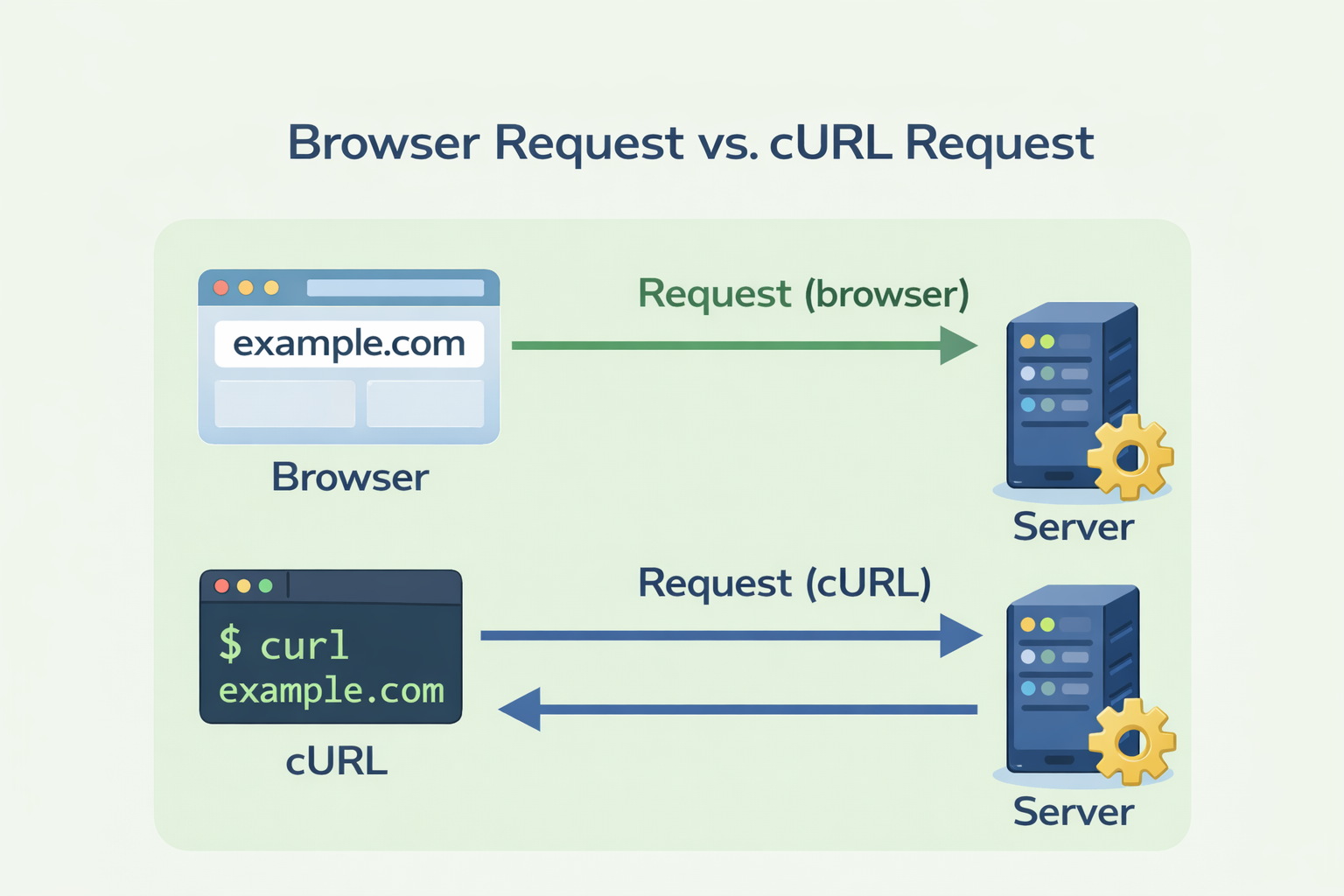
Browser → sends requests by clicking links
cURL → sends requests by typing commands
So instead of clicking a button, you type a command, and the server replies.
In simple words:
cURL = a way to talk to servers using the command line
3. Why Programmers Need cURL
Programmers use cURL because:
It works without a browser
It helps test servers and APIs
It shows raw responses, which is great for learning
It is available on almost every system
As a student, cURL helps you:
Understand how the internet works behind the scenes
Practice backend and API concepts
Debug issues quickly
4. Making Your First Request Using cURL
Let’s build confidence with the simplest possible command.
Open your terminal and type:
curl https://example.com
That’s it.
What happened?
cURL sent a request to
example.comThe server responded
The response (HTML content) was printed in your terminal
This is similar to opening a website in a browser — just more raw.
5. Understanding Request and Response
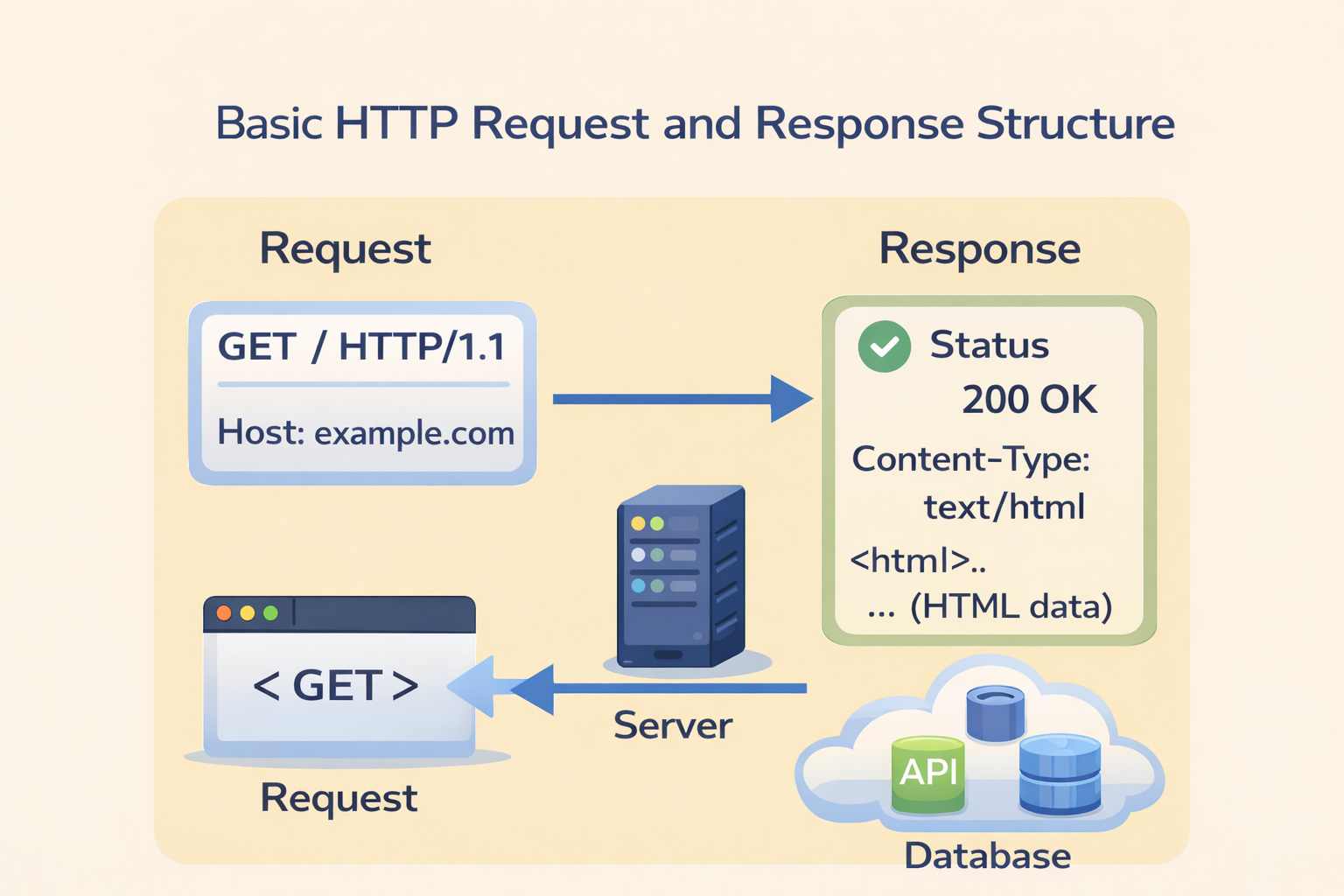
Whenever cURL talks to a server, two things are involved:
Request
This is what you send:
Where you want to go (URL)
What you want (GET or POST)
Response
This is what server sends back:
Status → was the request successful?
Data → content or information returned
For now, just remember:
If you see content → request worked
If you see an error → something went wrong
Don’t worry about details yet.
6. Using cURL to Talk to APIs
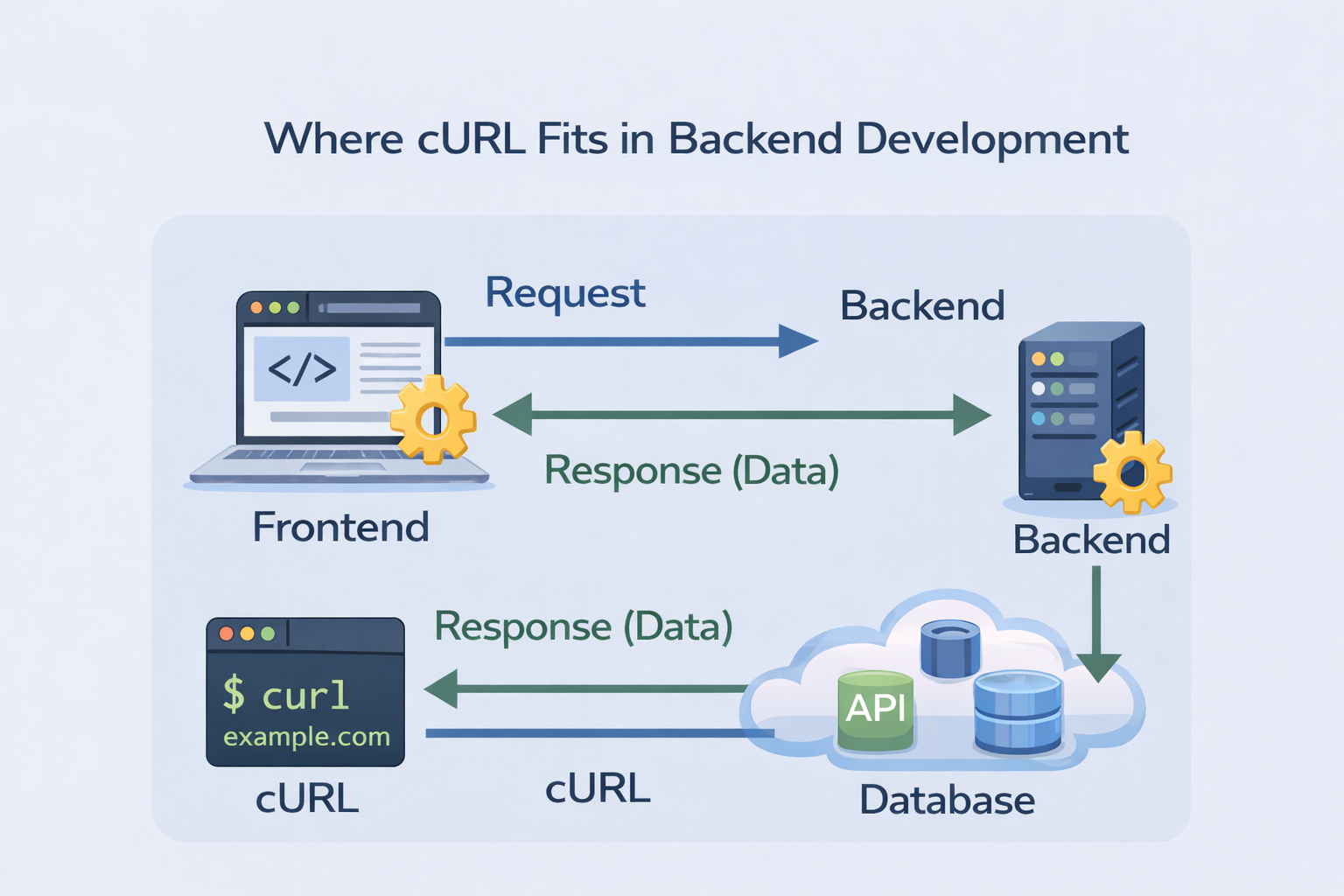
APIs are just servers that talk in data instead of web pages.
Try this simple API request:
Instead of HTML, you’ll see JSON data.
This shows that:
Websites return web pages
APIs return data
cURL can talk to both
7. GET and POST
To keep things simple, we’ll only talk about GET and POST.
GET
Used to fetch data
Default method in cURL
Example:
POST
Used to send data
Common when submitting forms or login data
Example:
curl -X POST https://httpbin.org/post
That’s enough for now. No overload.
8. Common Mistakes Beginners Make with cURL
Here are some mistakes I made :
Trying too many flags too early
→ Learn basics firstExpecting browser-like output
→ cURL shows raw dataIgnoring errors
→ Errors are learning opportunitiesForgetting internet connection
→ Happens more often than you thinkCopy-pasting complex commands
→ Understand before copying